Denise F Connelly, MSc, PGCE, BA (Hons)

Instructional Designer • eLearning Developer • LMS Administrator • Content Developer

Portfolio

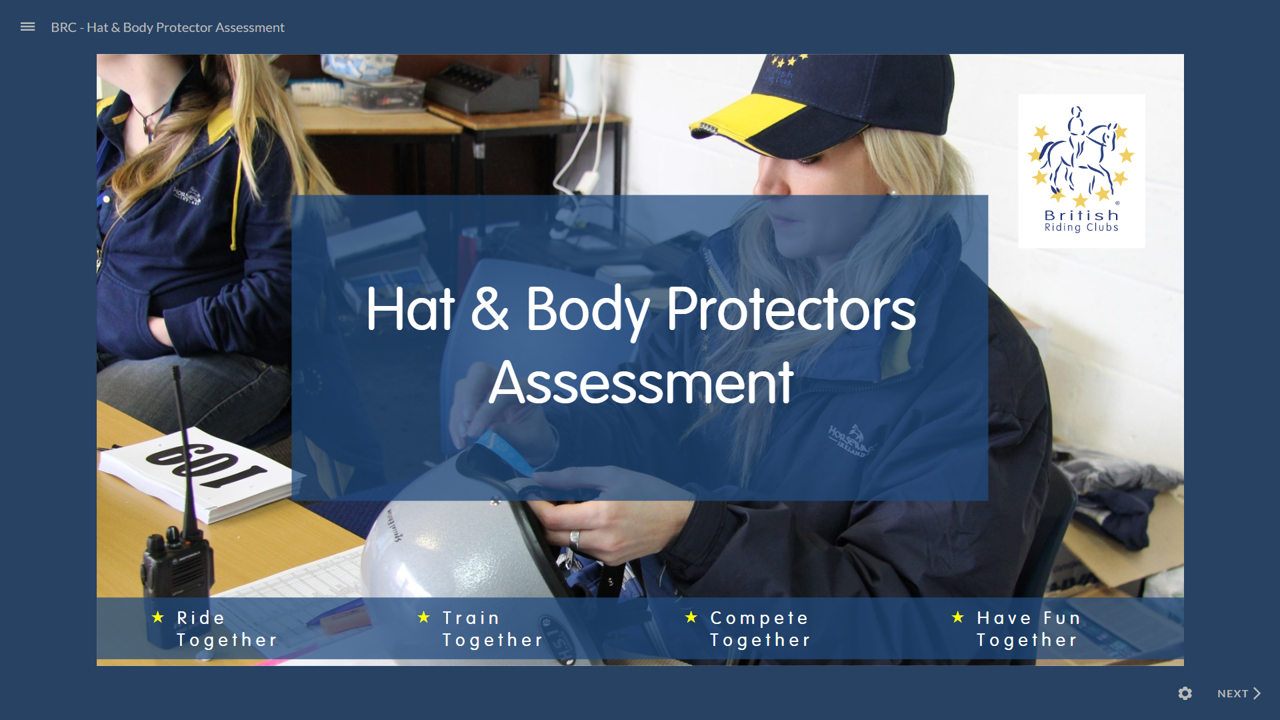
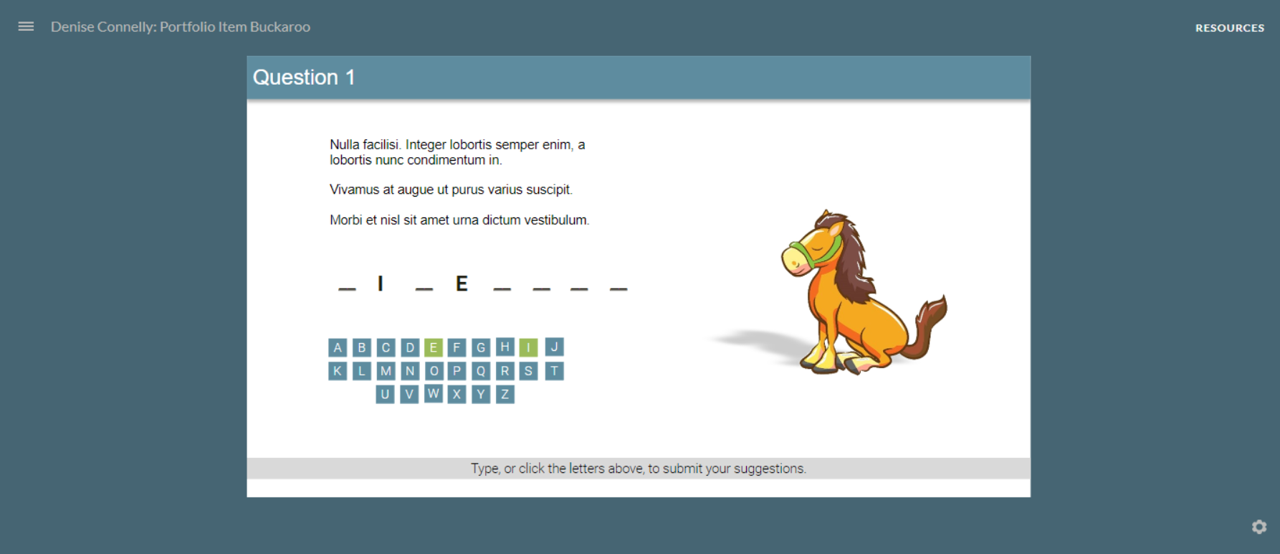
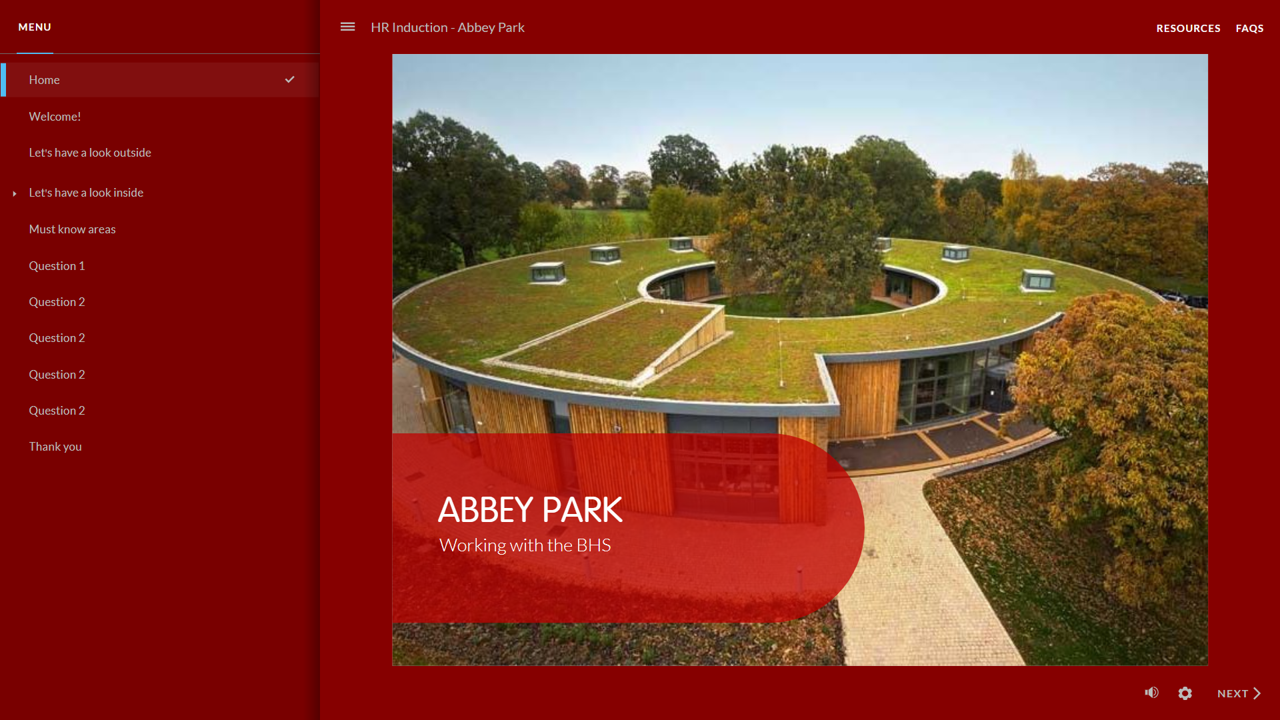
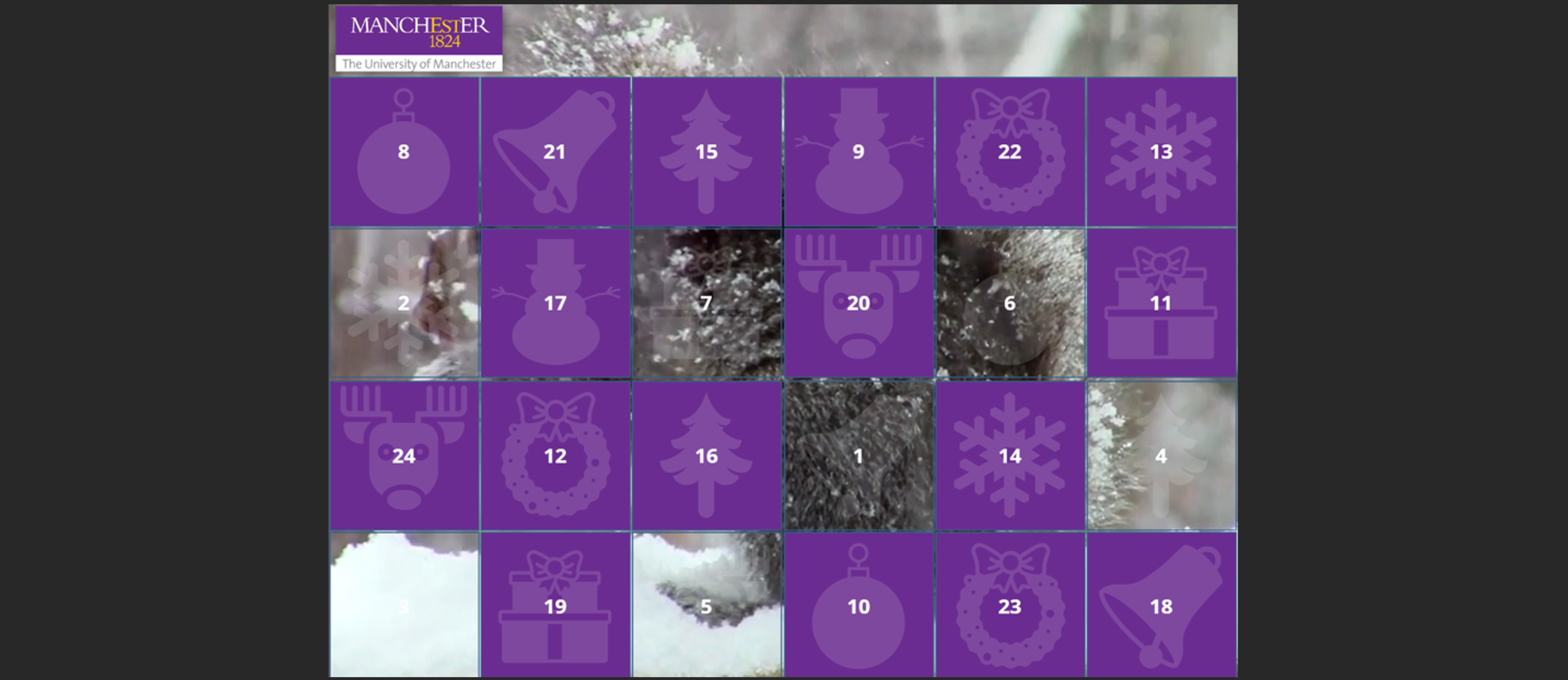
Storyline 360 eLearning Design & Development

I design and develop engaging, accessible digital learning that helps people make decisions, practise skills and apply knowledge in realistic situations.

My work combines instructional design with hands-on eLearning development. I regularly transform approved scripts, storyboards, SME content and existing training materials into finished digital learning using Articulate Storyline 360, Rise 360 and complementary media tools.

Scenario & decision-based learning

Designing realistic opportunities to practise judgement rather than simply recall information.

Hands-on Storyline development

Triggers, variables, states, layers, conditional logic, branching, assessment and custom navigation.

Accessibility by design

Keyboard operation, clear instructions, readable layouts and inclusive interaction choices considered during design.

Script to finished learning

Reviewing approved content, selecting appropriate treatments, building, QA and iterating from stakeholder feedback.

AI-assisted instructional design

Using NotebookLM to accelerate source analysis and storyboard development while retaining human instructional judgement and source control.

From approved content to finished eLearning

A significant part of my work involves taking material created by subject-matter experts, trainers, scriptwriters or existing programmes and deciding how it should work as digital learning. I do not treat a storyboard or script as simply a sequence of screens to reproduce.

1Review

Check the script or source content for learning, usability and accessibility issues.

2Design

Select interaction, scenario, assessment and visual treatments appropriate to the learning need.

3Develop

Build in Storyline, Rise and supporting tools using reusable patterns where appropriate.

4QA & refine

Check functionality, navigation, feedback and accessibility, then iterate from stakeholder review.

Instructional judgement matters: where a supplied script creates an instructional, accessibility or usability problem, I flag it before unnecessary development takes place and suggest an alternative treatment.

Current volunteer project · Global Social Innovators (GSI)

Using NotebookLM to support analysis and storyboard design

Context: As part of the GSI team developing Advice for Life training for volunteer advisers, I am helping shape a structured, AI-assisted instructional design workflow that can turn an agreed body of source material into consistent lesson designs and development-ready storyboards.

My role: I am exploring how Google NotebookLM can be used as a source-grounded analysis and design assistant — helping instructional designers interrogate approved documents, identify relevant content, connect it to learning objectives and produce structured first drafts for lesson overviews and storyboards.

1 · Curate sourcesBring approved course, learner, policy and subject-matter documents into a controlled NotebookLM source set.
2 · AnalyseUse targeted prompts to identify requirements, key concepts, learner needs, risks, examples and evidence relevant to a lesson.
3 · StructureUse the analysis to support lesson sequencing and draft storyboard components aligned to the intended learning outcomes.
4 · Apply methodologyShape learning through Tell Me, Show Me, Guide Me, Let Me and Reflect, selecting scenarios and interactions appropriate to the objective.
5 · Human reviewCheck accuracy, source fidelity, instructional logic, accessibility and tone before content moves into LearnDash/H5P development.
AI as an accelerator, not the instructional designer: NotebookLM helps reduce the time spent locating, comparing and structuring source material. I retain responsibility for the learning strategy, objective alignment, interaction choice, accessibility, sequencing and final quality of the storyboard.

Why this matters: The approach is designed to make collaborative course production more efficient without losing traceability to approved content or allowing AI-generated material to bypass instructional review. It also provides a repeatable workflow that less-experienced designers can follow while preserving a consistent learning approach across modules.

Tools & methods: Google NotebookLM · Gemini-assisted analysis · instructional prompting · source-grounded design · learning objectives · scenario design · storyboard development · LearnDash · H5P · accessibility · human QA
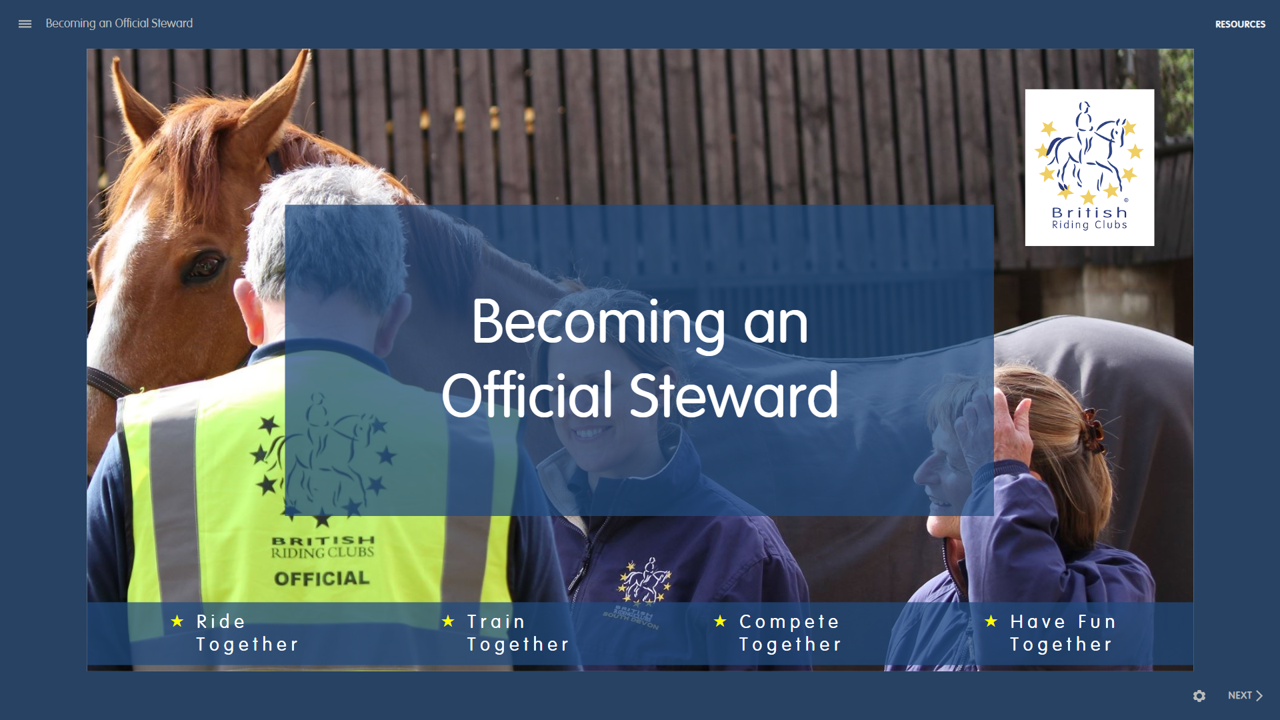
Recent examples showing digital resource design, self-directed learning, accessible web guidance and staff capability support alongside my Storyline work.

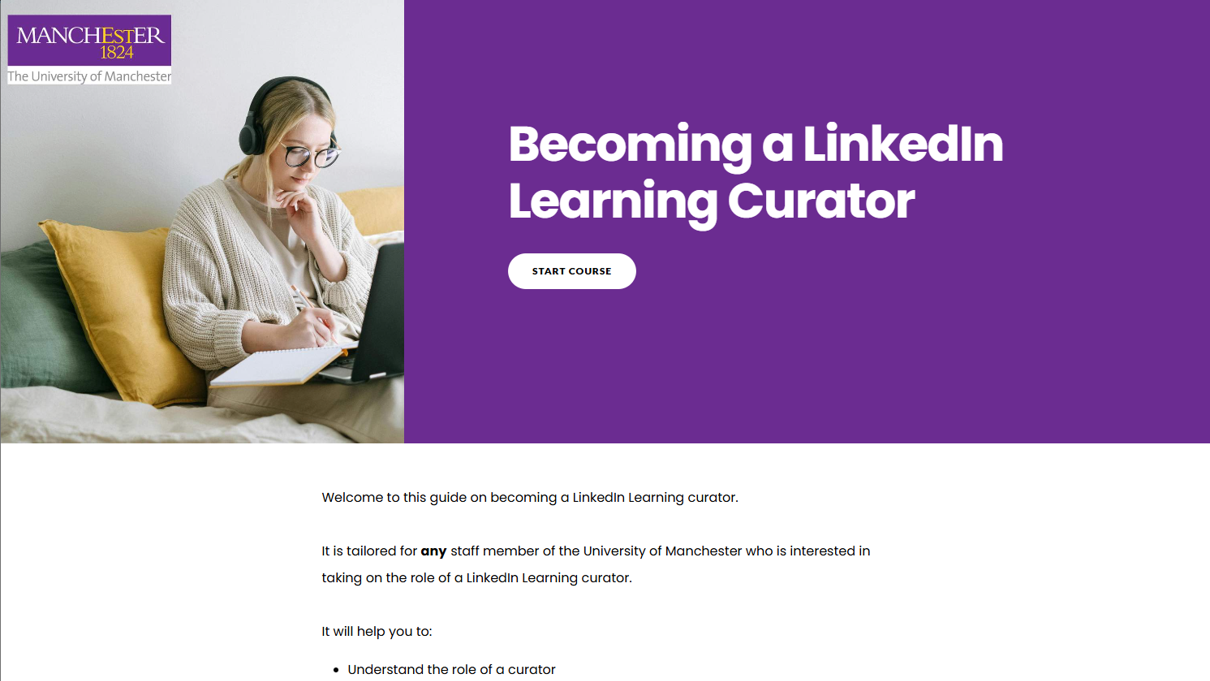
LinkedIn Learning Curator Guide: a Rise 360 module showing a step-by-step onboarding flow with clear navigation and visual headings. Rise 360
Step-by-step onboarding guide for staff taking on the LinkedIn Learning curator role.

Becoming a LinkedIn Learning Curator

  • Context: Curator onboarding relied on repeated ad hoc support — no consistent self-serve resource existed.
  • My role: Designed and built the module independently; shaped structure, tone and user flow.
  • Approach: Clear step-by-step guidance, accessibility-aware structure, practical examples aligned to curator tasks.
  • Goal: Freed staff time from one-to-one onboarding; curators now have a reliable self-serve reference they can return to.

View live Curator Guide (opens in new tab)

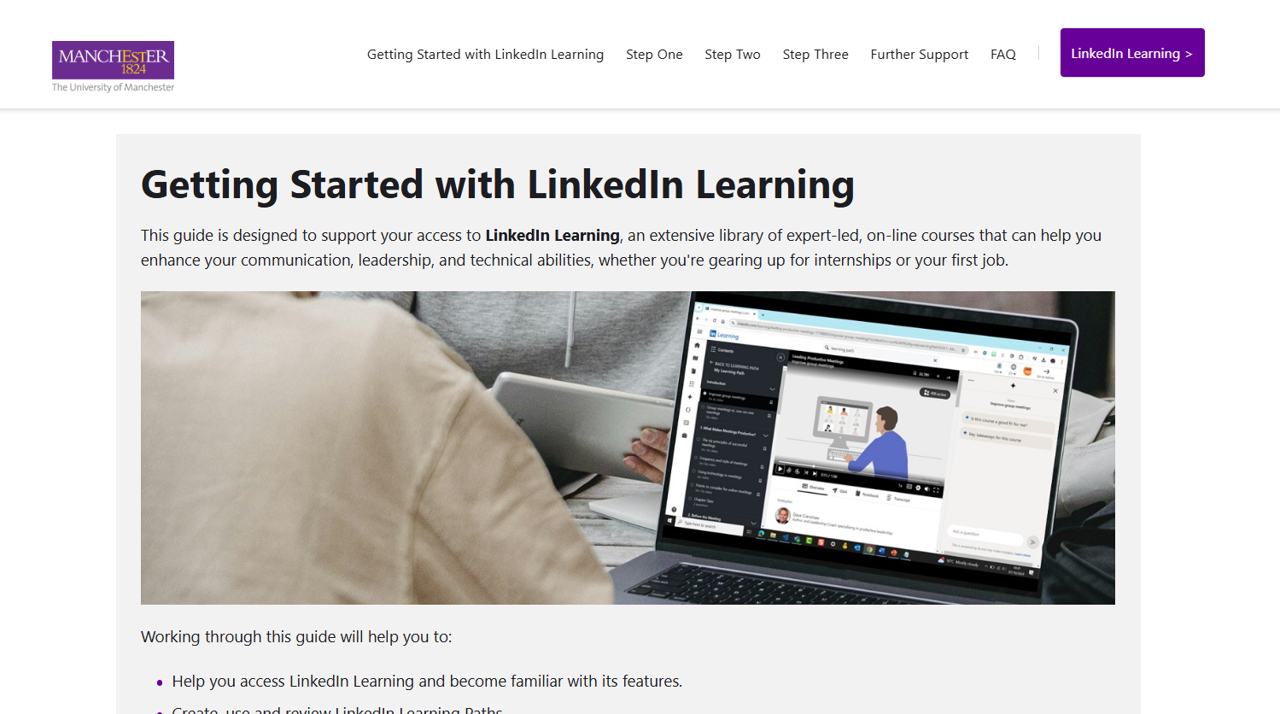
University of Manchester web page: Getting Started with LinkedIn Learning, showing clear headings, step-by-step access instructions and accessible layout. HTML / CSS
Accessible web guidance page providing a single clear entry point for students and staff.

Getting Started with LinkedIn Learning

  • Context: Users arrived at the platform without knowing how to log in or start, generating repeated support queries.
  • My role: Wrote and structured the page content; applied accessible layout within university web standards.
  • Approach: Plain-English guidance, scannable headings and a logical flow from access to first use.
  • Goal: Reduced inbound support queries; now the primary self-serve reference linked from platform communications.

View live web page (opens in new tab)

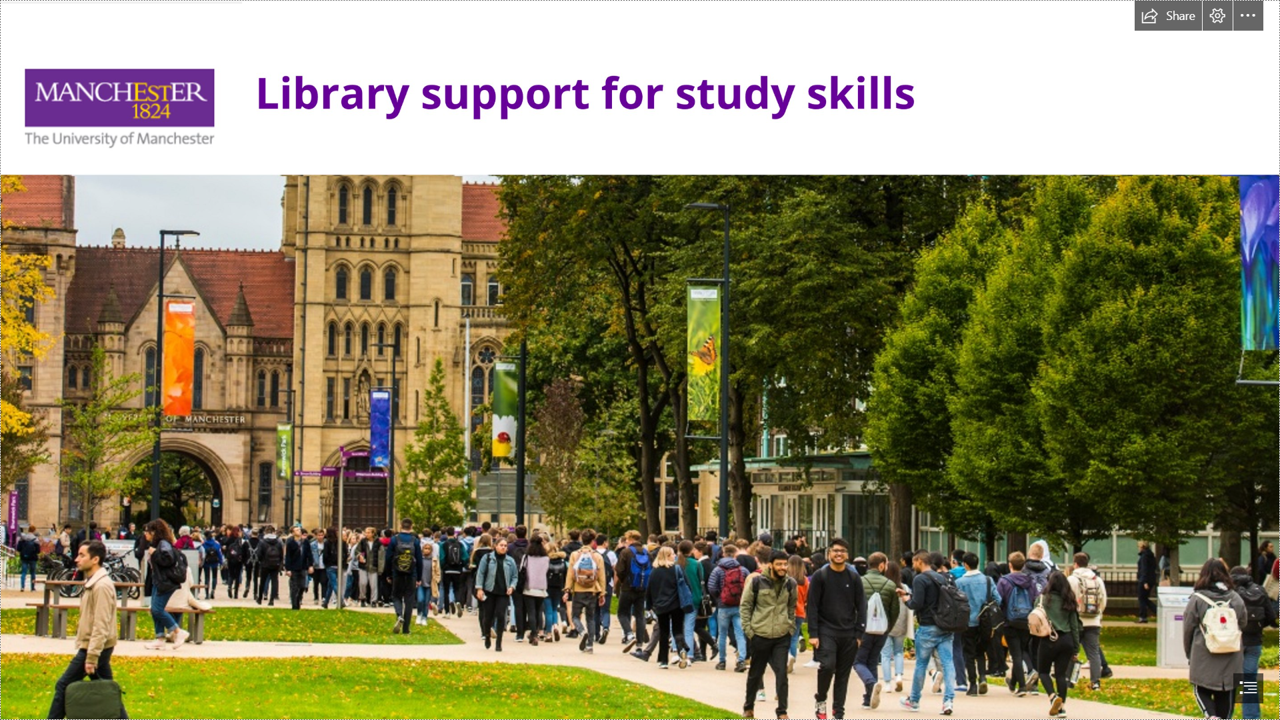
Students walking along a tree-lined pathway toward the historic Oxford Road entrance and Old Quad buildings at the University of Manchester. MS Sway
Interactive learning resources to support new Transnational Education students.

Library Support for Study Skills

  • Context: Transnational Education (TNE) students needed a clear, centralised online resource to support their transition into academic study. Existing content was dispersed across Word documents and PowerPoints, making it difficult to navigate and maintain.
  • My role: Designed and developed an interactive, user-friendly digital resource to present core academic skills clearly and coherently.
  • Approach: Structured content into accessible, mobile-friendly sections with clear navigation, visual signposting and plain English guidance, enabling both student engagement and easy academic updates.
  • Goal: Improved accessibility and usability of study skills support; provided a sustainable format that academics could maintain independently without technical assistance.

View TNE resource (opens in new tab)

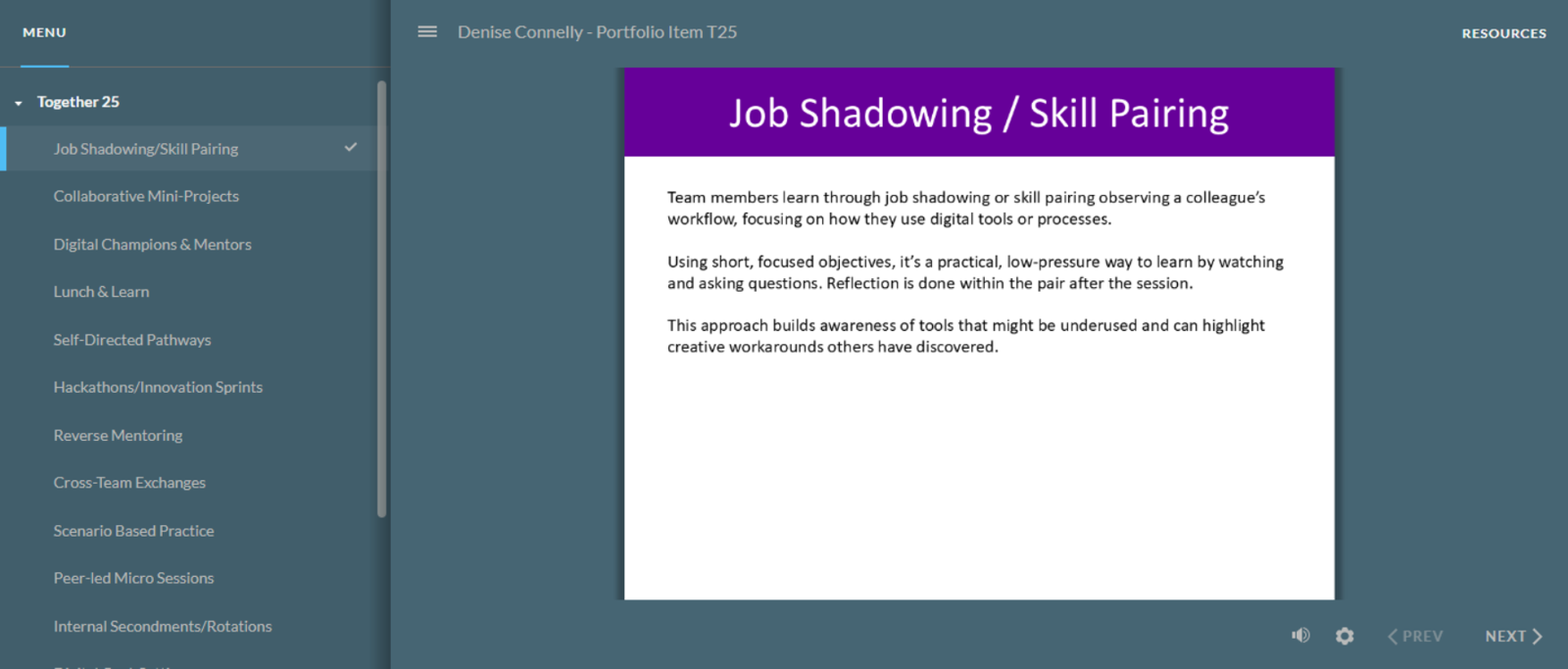
Team Inspirational Action Cards: visually consistent, prompt-based workshop cards displayed in a PowerPoint slide layout. PowerPoint · ABC Toolkit
Facilitation resource providing structured prompts to support learning design conversations in workshop settings.

Team Inspirational Action Cards

  • Context: Facilitators needed a lightweight, reusable tool to structure design conversations without prior instructional design knowledge.
  • My role: Designed the card framework and visual format, drawing on the ABC Learning Design Toolkit approach.
  • Approach: Scannable prompts, consistent visual patterns, a format that works equally in print and on-screen.
  • Goal: Adopted by team members for their own workshops; reduced preparation time and produced more structured outcomes from design sessions.

View Team Inspirational Action Cards (opens in new tab)

Examples from humanitarian, emergency-service, healthcare and compliance contexts demonstrating depth in scenario design, behaviour change, screen design and multidisciplinary delivery.

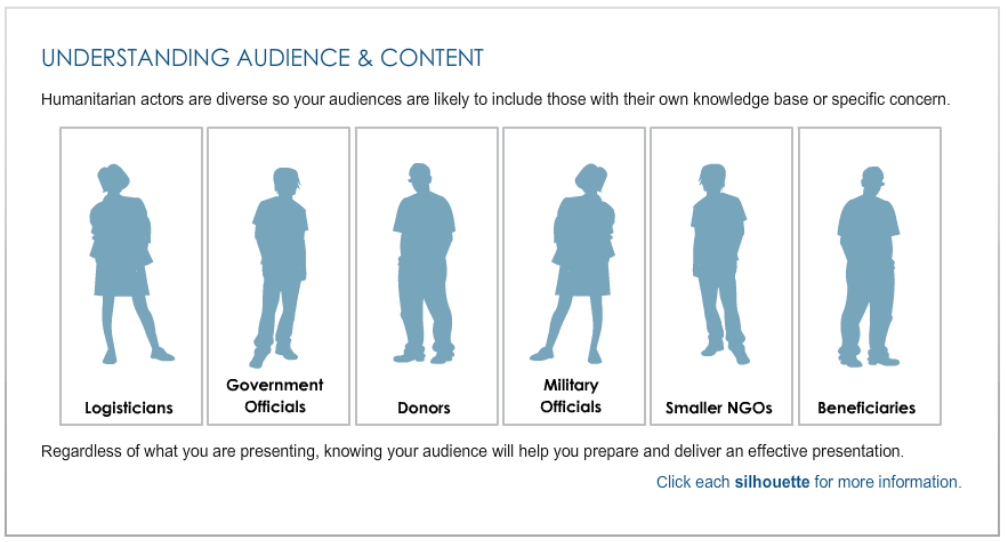
Screenshot of Service Mindset Training developed for the World Food Programme using Composica. Behavioural design · Composica
Behavioural learning programme using modular architecture and scenario-led application for humanitarian personnel.

Service Mindset Training – Global Emergency Group & World Food Programme

  • Context: Humanitarian responders with different levels of field experience needed scalable behavioural training for sudden-onset emergency contexts.
  • My role: As Instructional Designer, I worked on learning architecture, scripting and development for the Global Emergency Group and World Food Programme.
  • Approach: I used modular learning objects and Merrill’s Component Display Theory to vary presentation, examples, guided practice and application, with navigation options supporting different learner confidence levels.
  • Outcome: The approach produced a reusable learning structure designed to support transfer of behavioural principles into demanding real-world contexts.

View Service Mindset Training sample screens (opens in new tab)

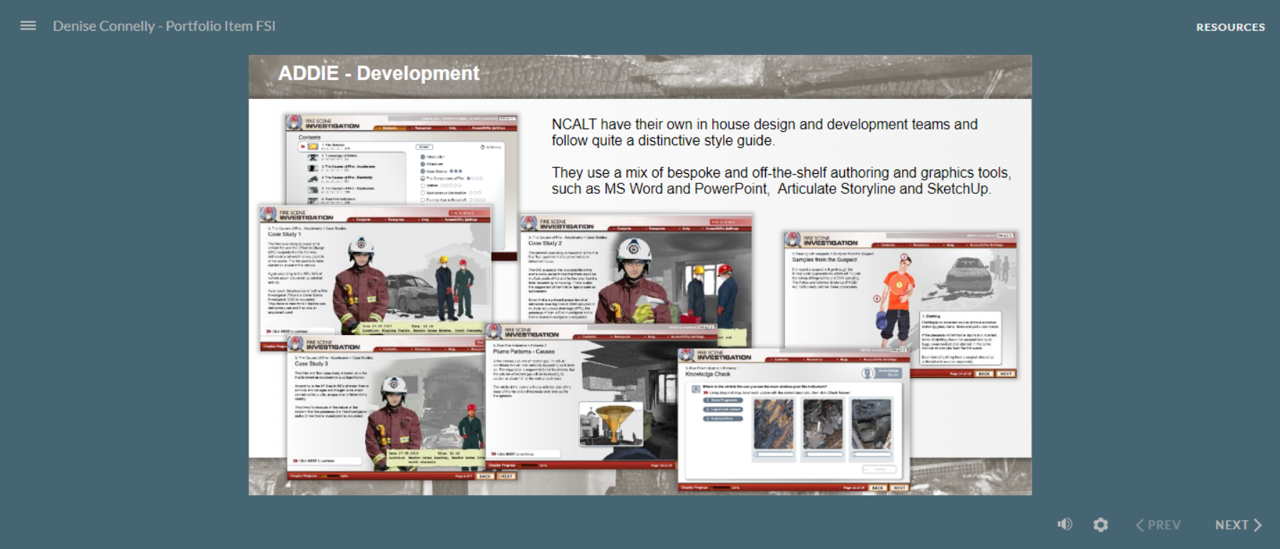
Fire Scene Investigation course overview: slides showing scenario imagery, course structure and design rationale for an emergency services eLearning programme. ADDIE · Scenario-led design
Nationally commissioned emergency-services programme using realistic scenarios and multidisciplinary production.

Fire Scene Investigation – Course Overview

  • Context: Police and Fire Service personnel needed a coherent national learning programme covering complex operational procedures and decision-making.
  • My role: As Producer, I led a small multidisciplinary team of designers, scriptwriters and developers through the design and build phases.
  • Approach: The programme combined structured instructional content with realistic scenarios, using an ADDIE-based production process and documented design decisions.
  • Outcome: The resulting programme provided a reusable national training resource across a complex stakeholder environment.

View FSI course overview (opens in new tab)

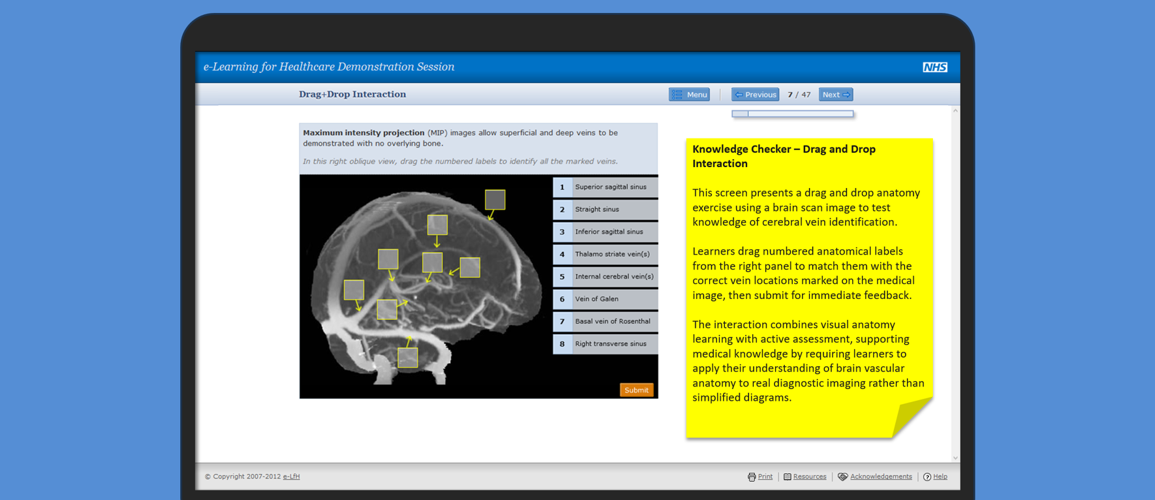
NHS eLearning for Healthcare screen designs: structured slides showing clear content hierarchy, interaction prompts and consistent visual layout. NHS eLfH · Screen design
Structured NHS screen and interaction design for clinical learners working within established standards.

eLearning for Healthcare – Screen Design Samples

  • Context: NHS eLearning needed clear, consistent learning experiences across complex clinical subject matter and a wide module range.
  • My role: I was responsible for screen structure and interaction specifications within a wider production team.
  • Approach: I chunked content for time-pressured clinical learners and specified clear interaction patterns while working within established technical, clinical and accessibility requirements.
  • Outcome: The work supported consistent learner experiences and reusable production patterns across programme content.

View eLfH screen design samples (opens in new tab)

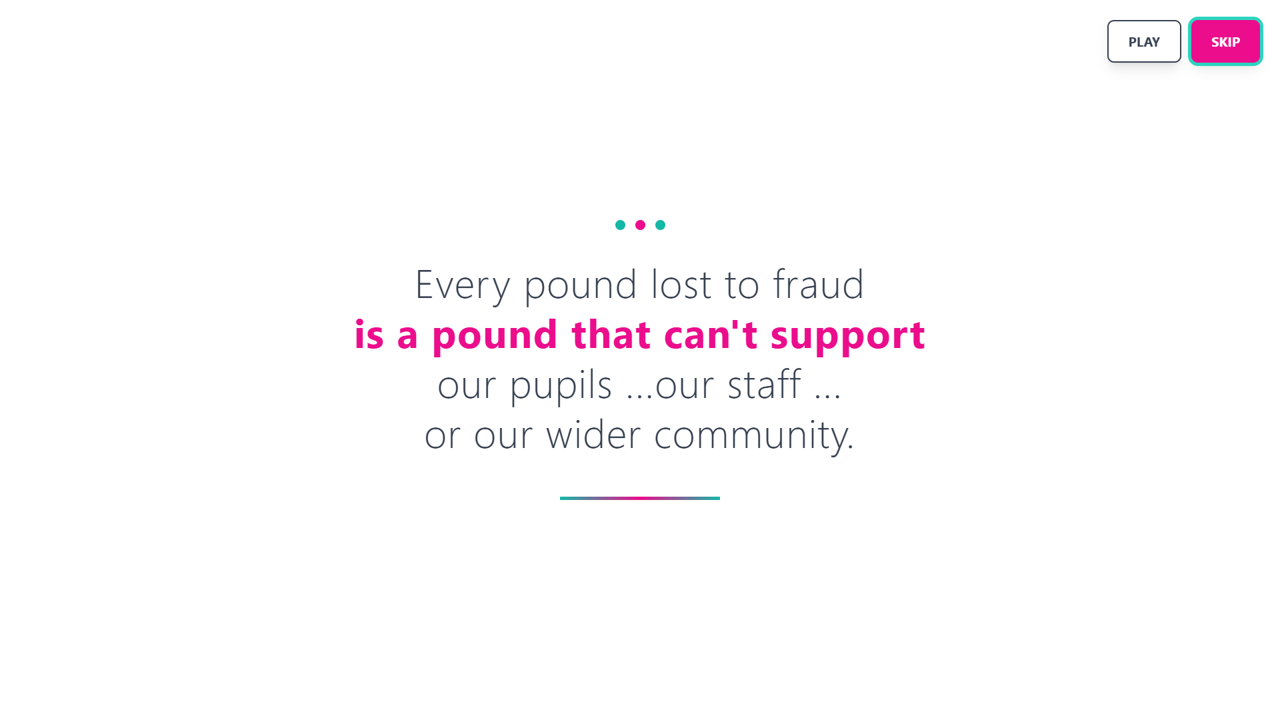
Screenshot from the Fraud is a BIG problem splash screen. HTML · CSS · JavaScript
Animated web introduction using data storytelling to establish urgency before scenario-based learning.

Fraud is a BIG Problem

  • Context: The learning needed an engaging introduction that communicated the scale and societal impact of fraud before learners entered applied scenarios.
  • My role: I designed and developed the interactive splash sequence, shaping the narrative flow, animation timing and visual emphasis.
  • Approach: Timed scene transitions, animated numerical visualisation and progressive text reveals were used to turn abstract statistics into a more immediate learner experience.
  • Outcome: The sequence established relevance and attention before learners progressed into the scenario-based training.

View the Fraud is a BIG problem splash screen.(opens in new tab)

Development skills

  • Authoring: Articulate Storyline 360 · Rise 360
  • Storyline: triggers · variables · states · layers · conditional logic · branching · custom navigation · assessment · feedback · templates
  • Media & web: Camtasia · PowerPoint · Audacity · HTML · CSS
  • AI-assisted design: Google NotebookLM · Gemini-assisted source analysis · instructional prompting · storyboard development
  • Platforms: LearnDash · H5P · Kallidus · Canvas · Moodle · LinkedIn Learning

Design & quality principles

  • Accessibility: WCAG-informed structure, keyboard-operable interactions, meaningful alternatives and readable layouts.
  • Instructional effectiveness: interactions exist for a learning purpose, not simply to make a screen appear interactive.
  • Usability & QA: navigation, instructions, feedback and assessment behaviour are checked before release.
  • Scalability: reusable templates and interaction patterns improve consistency and reduce unnecessary development time.
  • Evaluation: learner feedback and available engagement data are used to identify what is working and what can be improved.

Looking for an experienced Storyline developer?

I am available for freelance and contract eLearning design and development projects, including work from existing scripts, storyboards and SME-provided content.

Contact Denise